

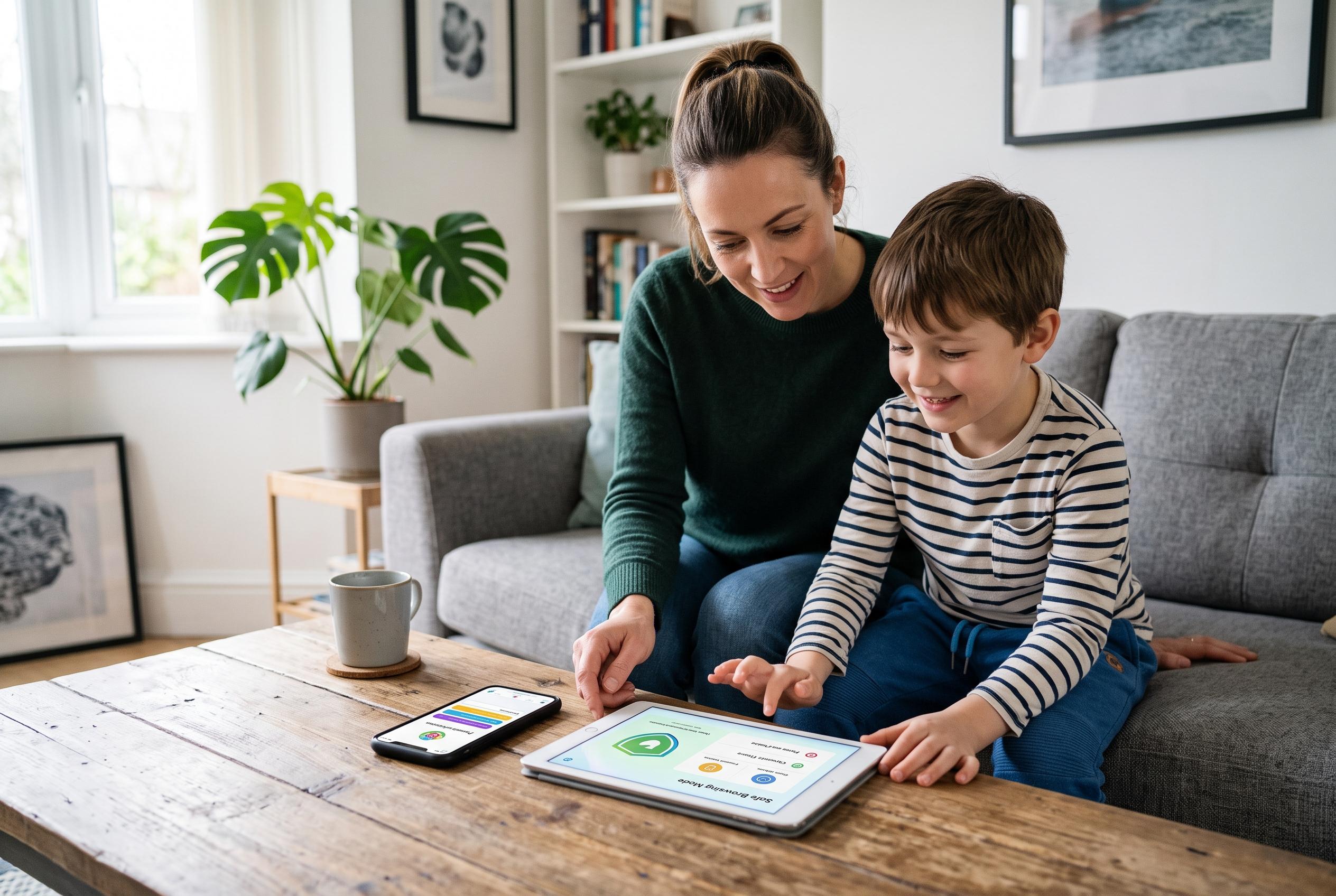

As digital devices evolve, parents are leveraging a combination of built-in and third-party controls to safeguard children online, emphasising that basic practices like device locking and setting clear limits are crucial regardless of advancements.
Parents trying to make home tech safer for children have more tools than ever, but the basics still matter most: lock down each device individually, set clear limits, and assume children will eventually test the edges. Apple’s Screen Time and Google’s Family Link remain the starting points for iPhones, iPads and Android devices, while third-party services can add extra control once children are old enough to work around the built-in settings, according to Apple, Google and McAfee. The key is to treat parental controls as one layer of protection, not a complete solution.
On Apple devices, Screen Time can be used to set app limits, block age-inappropriate material, schedule downtime and restrict changes to privacy settings, according to Apple’s support guidance. Google says Family Link offers similar controls on Android, including daily limits, downtime, app approval and web filtering, and it works on devices running Android 5 or later. Android Central noted that some newer Pixel phones now allow those controls to be configured more directly from system settings, rather than only through the separate Family Link app.
For families wrestling with YouTube, the most practical approach may be to cut it off entirely rather than simply ration it. On an iPhone or iPad, parents can remove the app, block reinstallations and restrict the website through Screen Time settings, while Android users can disable the app, use Family Link to prevent reinstallation and add the site to a blocker such as BlockSite. Wirecutter also points out that children may try to work around limits through features such as SharePlay, so the settings need to be tightened across the whole device, not just in one place.
Router-level controls are another useful step, especially for younger children. By signing into a router’s companion app or web dashboard, parents can see which devices are connected, pause access at bedtime, set schedules and create profiles for each child. For older children and teenagers, Wirecutter recommends stronger hardware such as Firewalla when standard router tools are no longer enough, though it also notes that no filter is a substitute for regular conversations about online safety and judgement.
Streaming services and smart TVs also deserve attention. Netflix, Prime Video, HBO Max and Apple TV all allow separate child profiles, and most major services let parents set PINs on adult accounts so children cannot simply switch profiles to get around the rules. On smart TVs, platforms such as Google TV and Samsung TV include parental locks, app restrictions and programme-rating filters, while other sets usually have similar options buried in their menus. For younger children, Wirecutter suggests single-purpose devices such as e-readers, learning toys or even a basic camera as a way to encourage curiosity without handing over a full smartphone.
For families who occasionally let a child use an adult’s phone, iPhone features such as Guided Access can keep the device locked to a single app, and Face ID can be required for selected apps. For toddlers, a visible timer can help make screen time easier to manage because young children can see time passing in a way they cannot yet understand abstractly. The broader lesson from Wirecutter’s advice is simple: build a home setup that is harder to bypass, easier to monitor and matched to the child’s age, then keep adjusting it as they grow.
Disclaimer: This content is for informational purposes only and is not intended to be a substitute for professional medical judgment, advice, diagnosis, or treatment.