
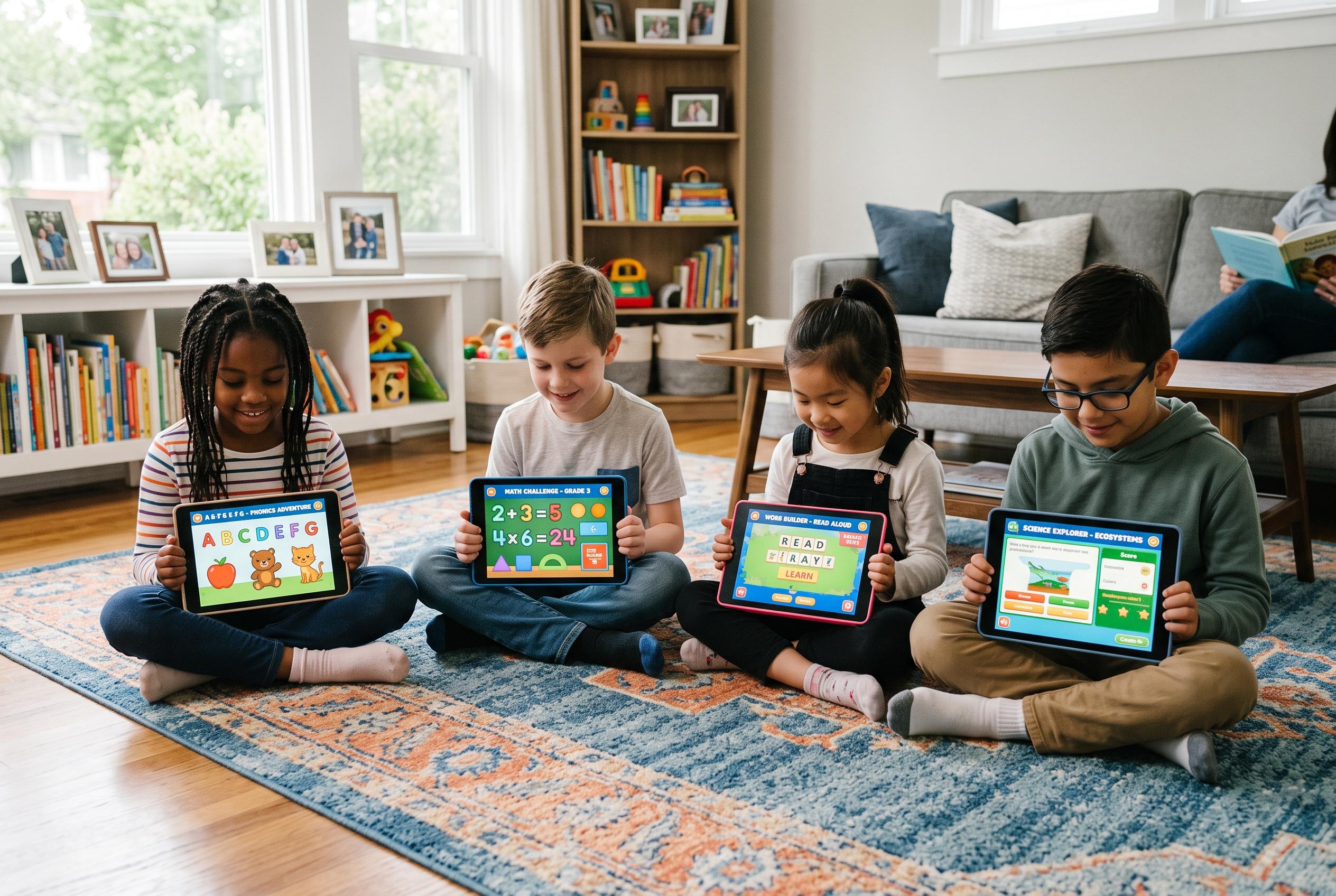

Parents seeking productive screen time for their children now have access to a diverse range of educational apps, from early literacy to exam prep, designed to reinforce learning through engaging, age-appropriate content.
Parents looking for screen time that feels less like distraction and more like development have no shortage of options, but the strongest apps tend to share the same qualities: they are age-appropriate, easy to use and built around short, repeatable lessons. ABCmouse remains one of the better-known choices for children aged 4 and up, with lessons in letter sounds, numbers and shapes plus personalised learning paths and a subscription price of about $9.99 a month, according to the company. For younger children, Endless Alphabet and Endless Numbers use puzzles, animation and playful characters to introduce vocabulary and early numeracy in a way that is designed to keep attention without overwhelming learners.
For preschool families, the appeal of these apps is often less about replacing teaching than reinforcing it in small bursts. Pinkfong’s ABC Phonics is pitched as a fun way to teach letter names and sounds, while Khan Academy Kids offers a broader free option for children aged 2 to 7, with activities covering language, maths, social-emotional learning and logic. PBS Kids also stands out because it is free, carries no adverts and includes familiar characters alongside basic reading, shape and maths activities. Vooks takes a different approach by focusing on reading and story-based learning, giving parents another tool for daily practice.
At primary-school level, the best-known maths and general-learning apps move towards more structured progression. Prodigy Math Game covers more than 1,200 maths skills for pupils in grades 1 to 8 and uses a diagnostic test to place children at an appropriate level before they begin. Geography Drive USA turns facts about the 50 states into a game, while ABCya offers more than 400 educational games organised by grade and subject. Arcademics adds a multiplayer element to spelling, typing, maths, language arts and geography, which can be useful for children who stay engaged longer when they are competing with others.
For middle school pupils, the focus shifts towards skills that can support later academic work. Box Island introduces coding through a story-led format for children aged 9 and up, with the first 10 levels free and the rest available for purchase. Duolingo remains one of the most widely used language-learning apps, with more than 35 languages and a free basic version. Periodic Table gives students an interactive way to explore chemistry, while Photomath lets them photograph a maths problem and see a step-by-step explanation of how to solve it, which can be especially helpful for children who need extra support with concepts rather than answers.
By high school, the most useful apps tend to be those that either prepare students for exams or help them work more independently. Ready4 SAT is designed around test practice and progress tracking, while Elevate offers brain-training games aimed at reading, comprehension, language and maths. Khan Academy remains a strong free option for deeper explanations across subjects, and Udemy can be useful for older students who want self-paced courses in areas such as financial literacy, college preparation and time management. None of these apps should be treated as a complete education, but together they offer parents a practical way to make screen time feel more purposeful.
Disclaimer: This content is for informational purposes only and is not intended to be a substitute for professional medical judgment, advice, diagnosis, or treatment.