

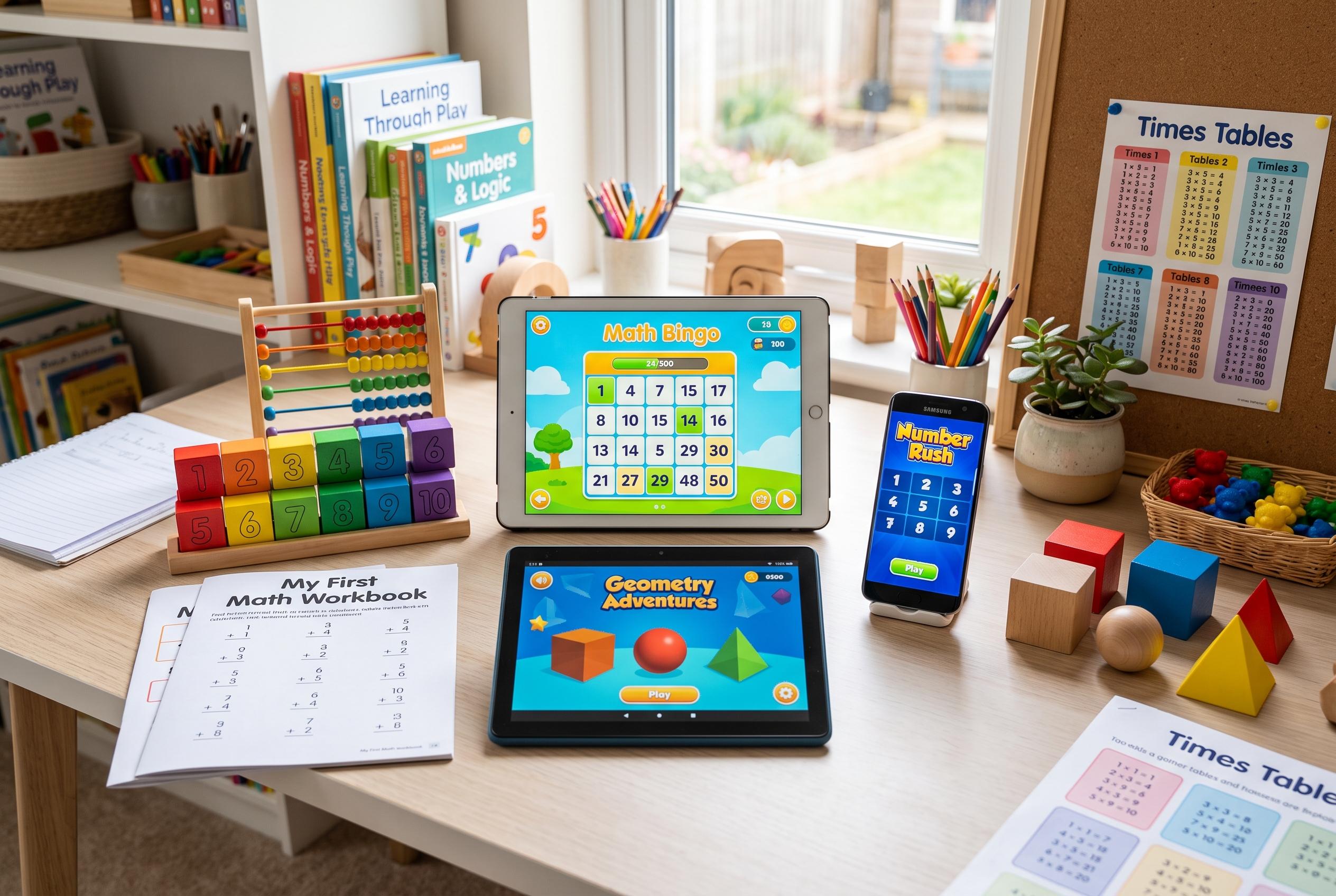

Recent insights highlight how the best maths apps support personalised, engaging practice for home learners, with options tailored to age, skill level, and budget, enhancing confidence and efficiency in homeschooling routines.
Math apps can be a useful release valve in a homeschool day, especially when a child needs practice but not another lecture. The strongest options do not try to replace teaching; they give children a way to rehearse skills, build confidence and keep moving when a parent cannot sit beside them. Recent round-ups from outlets including SplashLearn, Preply and other education sites point to the same broad pattern: the best apps are the ones that match a child’s level, adapt as skills improve and keep practice engaging enough to be repeated.
That is why the leading picks tend to split into two groups. Some are game-led, built to make children forget they are doing maths at all. Others are closer to digital workbooks, with diagnostics, skill tracking and tightly structured practice. For younger children, apps such as Khan Academy Kids and similar early-learning games remain popular because they introduce counting, shapes and simple number sense through characters and short activities. For older primary pupils, curriculum-aligned platforms such as SplashLearn, IXL and Prodigy are often used to target specific gaps and reinforce school-style content.
The appeal of story-driven apps is straightforward: they buy time and attention. MathsHero, Prodigy and Monster Math 2 all use adventure, fantasy or movement to keep children answering questions long enough for repetition to do its work. That matters because fluency usually comes from doing small amounts often, not from one long, exhausting session. For children who resist drills, a game can turn practice into something they approach willingly rather than reluctantly.
The more structured platforms are valuable for a different reason. IXL and DoodleMath focus on diagnostics, adaptive practice and short daily routines, which can be especially helpful when a child is struggling with a specific topic. That is also where parents often discover the real problem: not that a child is “bad at maths”, but that one skill gap, such as multiplication facts or place value, has never properly closed. These tools are less entertaining, but they can be more precise.
For families wanting breadth, curriculum alignment remains one of the most important filters. SplashLearn is regularly highlighted for covering a wide span of elementary content, while other lists also include DreamBox, Zearn, Mathletics and Mathseeds for similar reasons. The point is not simply that an app offers lots of exercises, but that those exercises are organised in a way that follows a child’s school journey. That makes them easier to slot into a homeschool plan without creating unnecessary overlap or confusion.
Age still matters more than branding. Preschoolers and early primary pupils generally benefit most from simple, visual tools with short rounds and immediate feedback. Older children need apps that move beyond counting and facts into problem-solving, fractions, geometry and multi-step reasoning. Several recent guides point to DragonBox for early algebra and logical thinking, while Buzzmath is better suited to middle-school pupils who need more demanding problems and fuller worked solutions.
Price is another point where parents should look carefully. Some of the most useful apps are genuinely free, while others only seem free until the useful features are locked behind a subscription. Khan Academy Kids and several of the Math Learning Center’s virtual manipulatives remain standouts for being free without turning into a long sales pitch. At the other end of the scale, premium programmes can run into double-digit monthly fees, which makes it worth testing the free tier before committing.
Used well, a maths app can make home education calmer rather than more screen-heavy. The best approach is still to teach new concepts first, then use an app for repetition, review and confidence-building. In that role, the right tool can help a child practise without a struggle, which is often the difference between a subject that gets done and one that gets avoided.
Disclaimer: This content is for informational purposes only and is not intended to be a substitute for professional medical judgment, advice, diagnosis, or treatment.